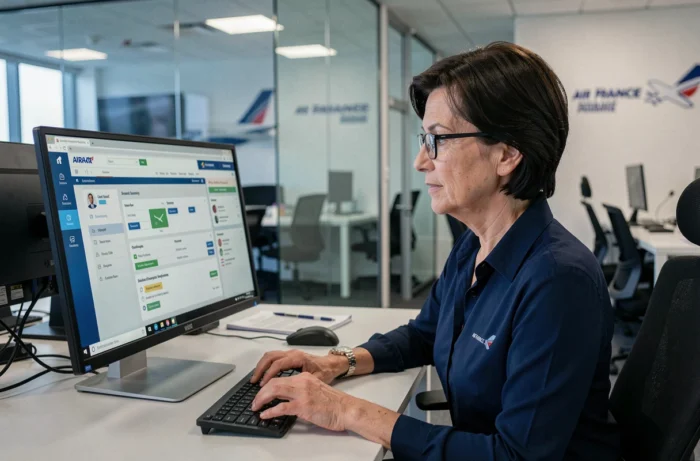
An Air France employee checking their schedules from their phone during a layover does not have the same conditions as an HR agent sitting at their desk at headquarters. The Intralignes portal, however, centralizes the same resources for everyone: pay slips, rotations, internal documents, official communications. Facilitating access to Intralignes Air France for all staff requires removing concrete obstacles, often technical ones, that the usual guides overlook.
Connecting to Intralignes on smartphone: a constraint that no one details
The majority of flight crew and mobile agents access the portal from a smartphone. The experience differs significantly from that on a desktop computer.
The mobile interface of Intralignes does not always offer the same level of readability as the desktop version. Some menus remain poorly suited for small screens, which slows down the consultation of schedules or HR documents. For a cabin crew member between flights, every minute counts.
The most common blocking point concerns multifactor authentication via PingID. On a mobile network during a layover, latency can prevent the timely receipt of the authentication code. The result: the session expires before even being able to connect. When access to Intralignes Air France relies on an authentication chain sensitive to network speed, the reliability of the mobile connection becomes a topic in its own right.
Some reflexes can help reduce these blockages:
- Disable iCloud Private Relay on iPhone before connecting, as this feature can interfere with the Air France portal’s authentication process
- Check that the PingID app is up to date and allowed to send notifications, even in low power mode
- Prefer the hotel or layover Wi-Fi over the local cellular network, which is often filtered or unstable
Air France VPN and personal privacy tools: a frequent conflict
Accessing outside the internal network requires an Air France-provided VPN. This secure tunnel has become the norm for remote work and connections. So far, nothing surprising.
The problem arises when an employee simultaneously uses a personal VPN, a secure DNS like those offered by Cloudflare or Google, or Apple’s Private Relay. These consumer privacy tools conflict with the corporate VPN. Traffic is redirected twice, security certificates no longer match, and the connection to the portal fails without an explicit error message.
This type of blockage particularly affects employees who use their personal computers for remote work. They have set up legitimate network protections, unaware that they render Intralignes inaccessible.
Quick diagnosis before calling IT support
Before seeking technical assistance, three checks take less than a minute. First, disable any active third-party VPN on the device. Next, restore the default DNS settings from the internet service provider. Finally, on macOS or iOS, turn off Private Relay in the iCloud settings.
If the connection works after these adjustments, the network conflict is confirmed. The Air France VPN must be the only active tunnel for the entire duration of the Intralignes session.
Security on shared workstations: logging out protects sensitive data
In common workspaces (counters, crew rooms, shared offices on the ground), an open workstation on Intralignes exposes personal information. Pay slips, contact details, career history: this HR data remains accessible as long as the session is not closed.
Have you ever noticed a colleague forgetting to log out? This situation is common, especially when frequent re-authentications discourage users from logging out and then back in. The reflex to leave the portal open “to save time” creates a concrete security vulnerability.
Always log out of Intralignes on a shared workstation is not an abstract recommendation. It is the only measure that prevents unauthorized access to personal data between two users of the same terminal.
Best practices for ground teams
- Configure the browser to never remember credentials on shared workstations
- Use private browsing for each Intralignes session on a shared computer
- Report to the IT manager any workstation where automatic logout after inactivity does not function
HABILE authentication and PingID: simplifying without compromising security
The authentication system relies on two layers. HABILE manages Air France credentials. PingID adds validation on a second device, most often the employee’s smartphone.
This setup ensures a level of security appropriate for the sensitive data of the portal. However, it multiplies the steps for daily use. A pilot checking their rotations several times a day restarts the procedure each time if the session timeout is short.
Enrolling PingID on a new device remains the first blockage for newcomers. The procedure requires scanning a QR code from an already authenticated workstation, which assumes access to the internal network or VPN. An employee starting remote work without having been to the office may find themselves in a deadlock.
The most reliable solution is to perform the first PingID enrollment on-site, during onboarding. IT services can then validate the device in real-time and immediately lift any blockage.
Facilitating access to Intralignes for all Air France employees does not require a redesign of the portal. The barriers are almost always related to the employee’s network environment, their personal privacy tools, or the management of shared workstations. Identifying these technical friction points, documenting them clearly, and integrating them into the onboarding of new employees is enough to significantly reduce requests to IT support and daily time losses.